www.xbdev.net
xbdev - software development
Tuesday April 14, 2026
Home | Contact | Support | JavaScript... so much power in such a few lines of code..


JavaScript...

so much power in such a few lines of code..


Crazy Mouse


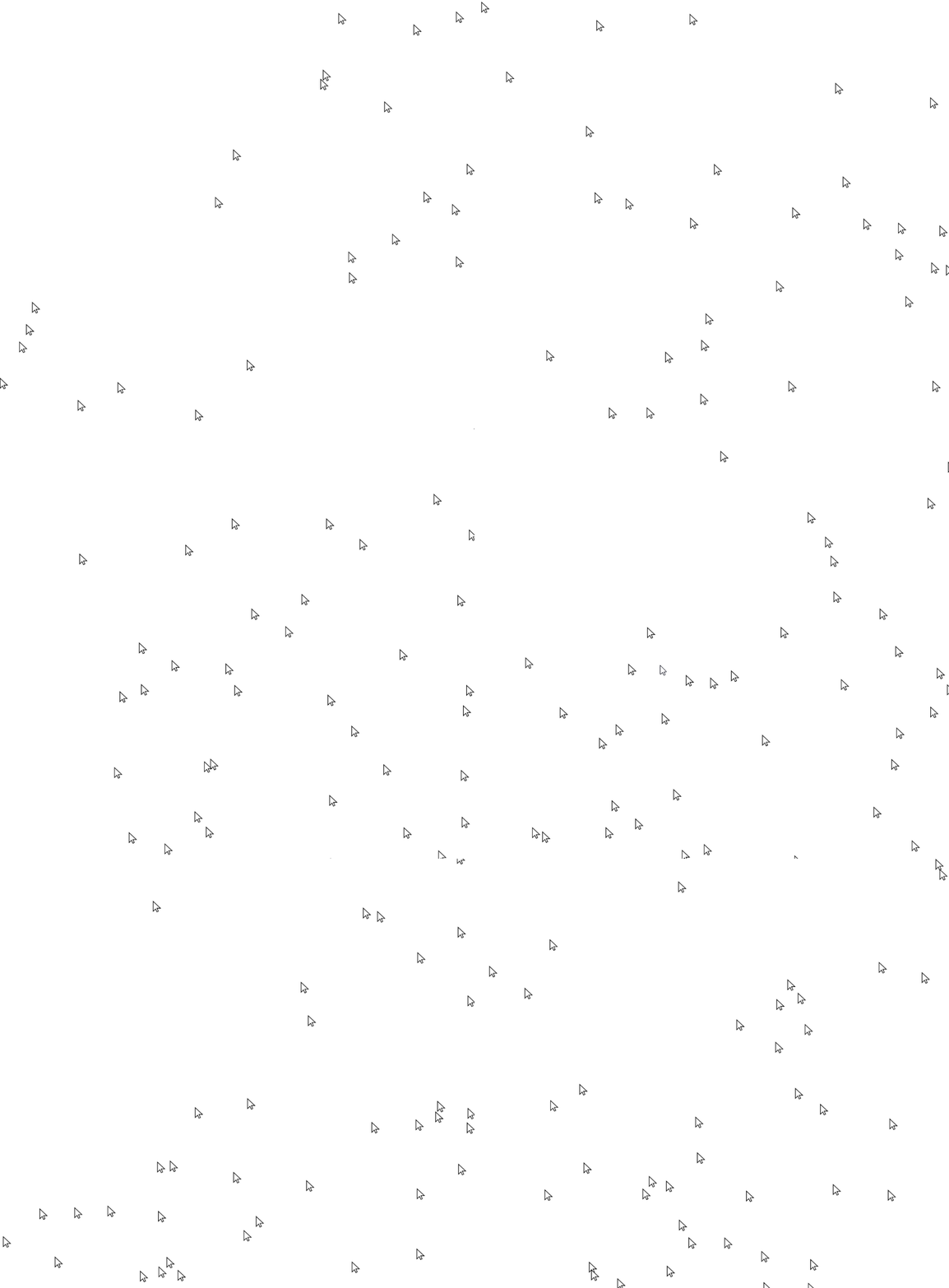
Draw lots of mouse cursors on the page - so the real mouse cursor gets lost - take a look at the output below - can you spot the real mouse cursor?


Draw lots of animated mouse cursors moving around on the browser window - so the main mouse cursor gets lost.


The full code for the crazy mouse demo is given below (essentially - drawing lots of mouse cursors on the screen).

<html>
<head>
    <meta charset="UTF-8">
    <meta name="viewport" content="width=device-width, initial-scale=1.0">
    <title>Moving Mouse Cursors</title>
    <style>
        .cursor {
            position: absolute;
            width: 15px; /* Size to match the system cursor size */
            height: 21px;
            background-image: url('https://www.freeiconspng.com/thumbs/cursor-png/download-big-image-png-medium-image-png-small-image-png-microsoft--15.png');
            background-size: 100% 100%;
            pointer-events: none;
            border: 0px solid blue;
        }
        body { overflow: hidden; }
    </style>
</head>
<body>
    <div id="cursors"></div>
    <script>
        const cursorCount = 90; // Number of cursors
        const cursors = [];
        const cursorContainer = document.getElementById('cursors');

        // Function to move a cursor smoothly
        function moveCursor(cursor) {
            const randomX = -window.innerWidth/2  + Math.random() * window.innerWidth*2;
            const randomY = -window.innerHeight/2 + Math.random() * window.innerHeight*2;
            cursor.style.transition = `transform ${Math.random() * 3 + 2}s ease-in-out`;
            cursor.style.transform = `translate(${randomX}px, ${randomY}px)`;
        }

        // Create and animate multiple cursor elements
        for (let i = 0; i < cursorCount; i++) {
            const cursor = document.createElement('div');
            cursor.classList.add('cursor');
            cursor.style.top = `${Math.random() * window.innerHeight/2}px`;
            cursor.style.left = `${Math.random() * window.innerWidth/2}px`;
            cursorContainer.appendChild(cursor);
            cursors.push(cursor);

            // Move cursor initially
            moveCursor(cursor);

            // Move cursor periodically
            setInterval(() => {
                moveCursor(cursor);
            }, Math.random() * 5000 + 300); // Move every 3-8 seconds
        }
    </script>
</body>
</html>


Of course, when the 'real' mouse cursor leaves the window you'll be able to spot it! Or if you 'tab' to another window ;)


101 WebGPU Programming Projects. WebGPU Development Pixels - coding fragment shaders from post processing to ray tracing! WebGPU by Example: Fractals, Image Effects, Ray-Tracing, Procedural Geometry, 2D/3D, Particles, Simulations WebGPU Games WGSL 2d 3d interactive web-based fun learning WebGPU Compute WebGPU API - Owners WebGPU Development Cookbook - coding recipes for all your webgpu needs! WebGPU & WGSL Essentials: A Hands-On Approach to Interactive Graphics, Games, 2D Interfaces, 3D Meshes, Animation, Security and Production Kenwright graphics and animations using the webgpu api 12 week course kenwright learn webgpu api kenwright programming compute and graphics applications with html5 and webgpu api kenwright real-time 3d graphics with webgpu kenwright webgpu for dummies kenwright webgpu wgsl compute graphics all in one kenwright webgpu api develompent a quick start guide kenwright webgpu by example 2022 kenwright webgpu gems kenwright webgpu interactive compute and graphics visualization cookbook kenwright wgsl webgpu shading language cookbook kenwright WebGPU Shader Language Development: Vertex, Fragment, Compute Shaders for Programmers Kenwright WGSL Fundamentals book kenwright WebGPU Data Visualization Cookbook kenwright Special Effects Programming with WebGPU kenwright WebGPU Programming Guide: Interactive Graphics and Compute Programming with WebGPU & WGSL kenwright Ray-Tracing with WebGPU kenwright


Advert (Support Website)

 
 Visitor:
Copyright (c) 2002-2026 xbdev.net - All rights reserved.
Designated articles, tutorials and software are the property of their respective owners.