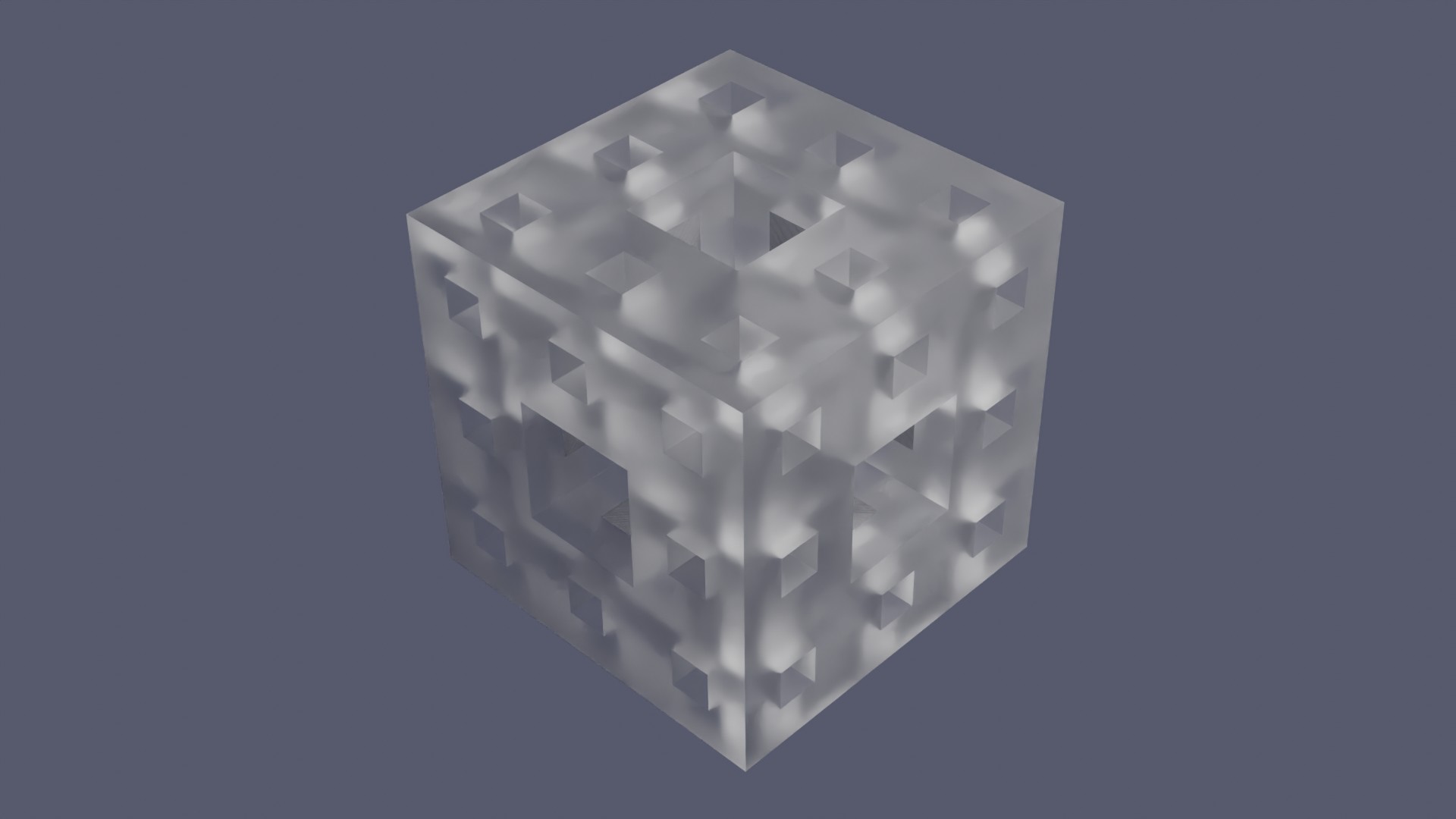
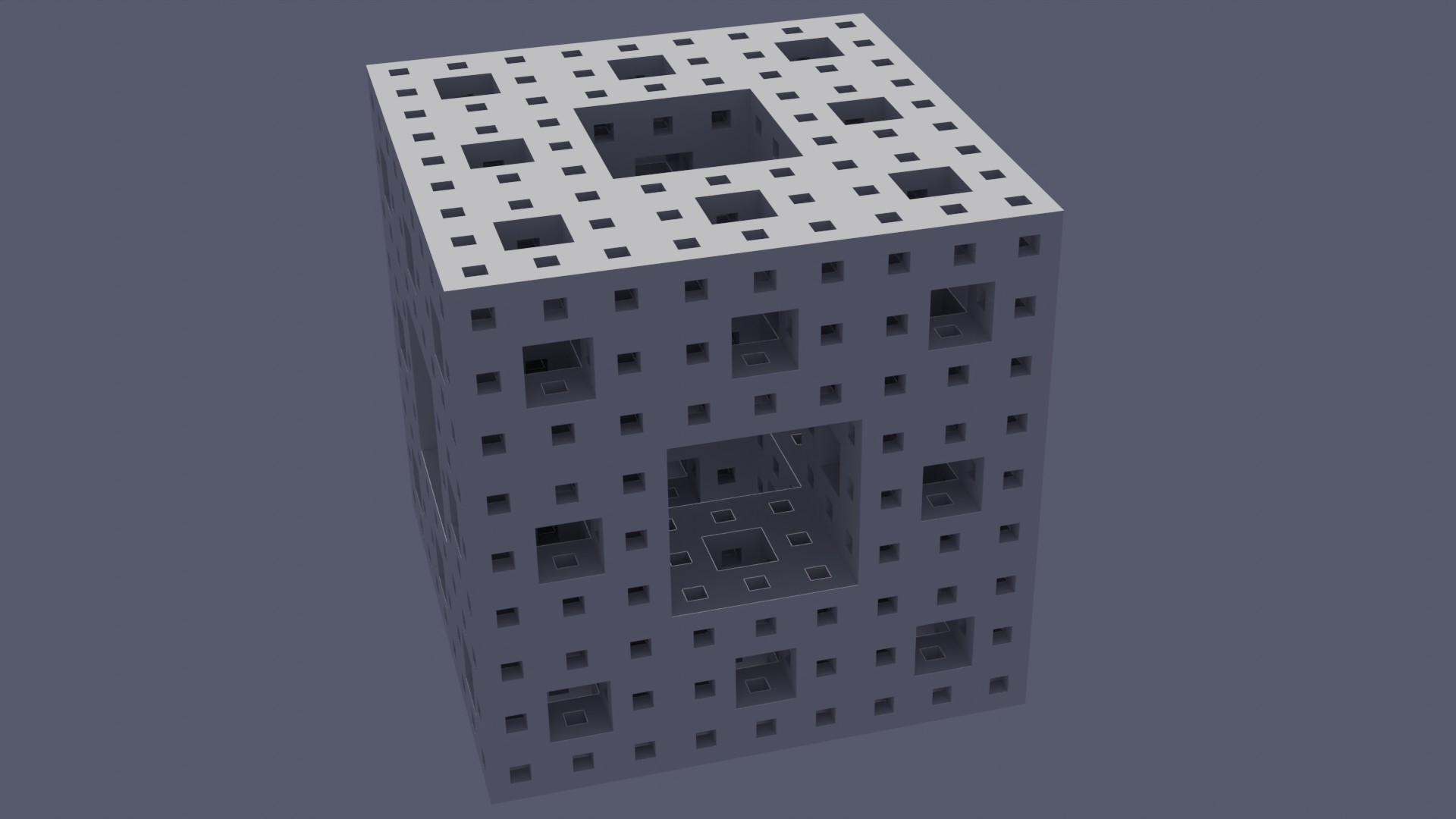
We'll use Blender scripts to construct a simple 'Menger Sponge' fractal - a simple but effective algorithm - we can recursively subdivide a cube into smaller cubes.
A render of the menger sponge fractal of depth 2 using a glass type material.
The first version below is a bit slow - as it uses the boolean modifier to 'cut' holes in the cube. Gradually building up the fractal effect.
<?php
import bpy
from mathutils import Vector

# === CONFIGURATION ===
MAX_DEPTH = 2
SIZE = 2.0

# === CLEAN THE SCENE ===
bpy.ops.object.select_all(action='SELECT')
bpy.ops.object.delete()

# === HELPER FUNCTION: Carve Menger Sponge ===
def create_menger(location, size, depth):
    # Create the solid cube to start from
    bpy.ops.mesh.primitive_cube_add(size=size, location=location)
    sponge = bpy.context.active_object

    def recursive_carve(obj, loc, size, depth):
        if depth == 0:
            return

        step = size / 3
        holes = []

        for x in range(3):
            for y in range(3):
                for z in range(3):
                    # Skip the central cube and centers of each face
                    if (x == 1 and y == 1) or (x == 1 and z == 1) or (y == 1 and z == 1):
                        cube_loc = Vector((
                            loc[0] + (x - 1) * step,
                            loc[1] + (y - 1) * step,
                            loc[2] + (z - 1) * step
                        ))
                        bpy.ops.mesh.primitive_cube_add(size=step, location=cube_loc)
                        hole = bpy.context.active_object
                        holes.append(hole)

        # Apply Boolean modifiers
        for hole in holes:
            bool_mod = obj.modifiers.new(name='Bool', type='BOOLEAN')
            bool_mod.operation = 'DIFFERENCE'
            bool_mod.object = hole
            bpy.context.view_layer.objects.active = obj
            bpy.ops.object.modifier_apply(modifier=bool_mod.name)
            bpy.data.objects.remove(hole, do_unlink=True)

        # Now recurse into each sub-cube
        for x in range(3):
            for y in range(3):
                for z in range(3):
                    if (x, y, z) == (1, 1, 1): continue
                    if sum([axis == 1 for axis in (x, y, z)]) >= 2: continue  # skip face/center holes
                    sub_loc = Vector((
                        loc[0] + (x - 1) * step,
                        loc[1] + (y - 1) * step,
                        loc[2] + (z - 1) * step
                    ))
                    recursive_carve(obj, sub_loc, step, depth - 1)

    recursive_carve(sponge, location, size, depth)
    return sponge

# === BUILD THE SPONGE ===
sponge = create_menger(Vector((0, 0, 0)), SIZE, MAX_DEPTH)

# === ADD LIGHT ===
bpy.ops.object.light_add(type='AREA', location=(4, -4, 6))
light = bpy.context.active_object
light.data.energy = 1500

# === ADD CAMERA ===
bpy.ops.object.camera_add(location=(6, -6, 4), rotation=(1.2, 0, 0.8))
bpy.context.scene.camera = bpy.context.active_object
Meshes
The boolean operation is simple - and it can produce a single mesh effect - however, it's slow! Very slow! If you go past a depth of 3 you'll probably crash your machine - or get it stuck in a loop for a long while - as it does the work.
A cheep and cheerful alternative is to construct the mesh from lots of small cubes.
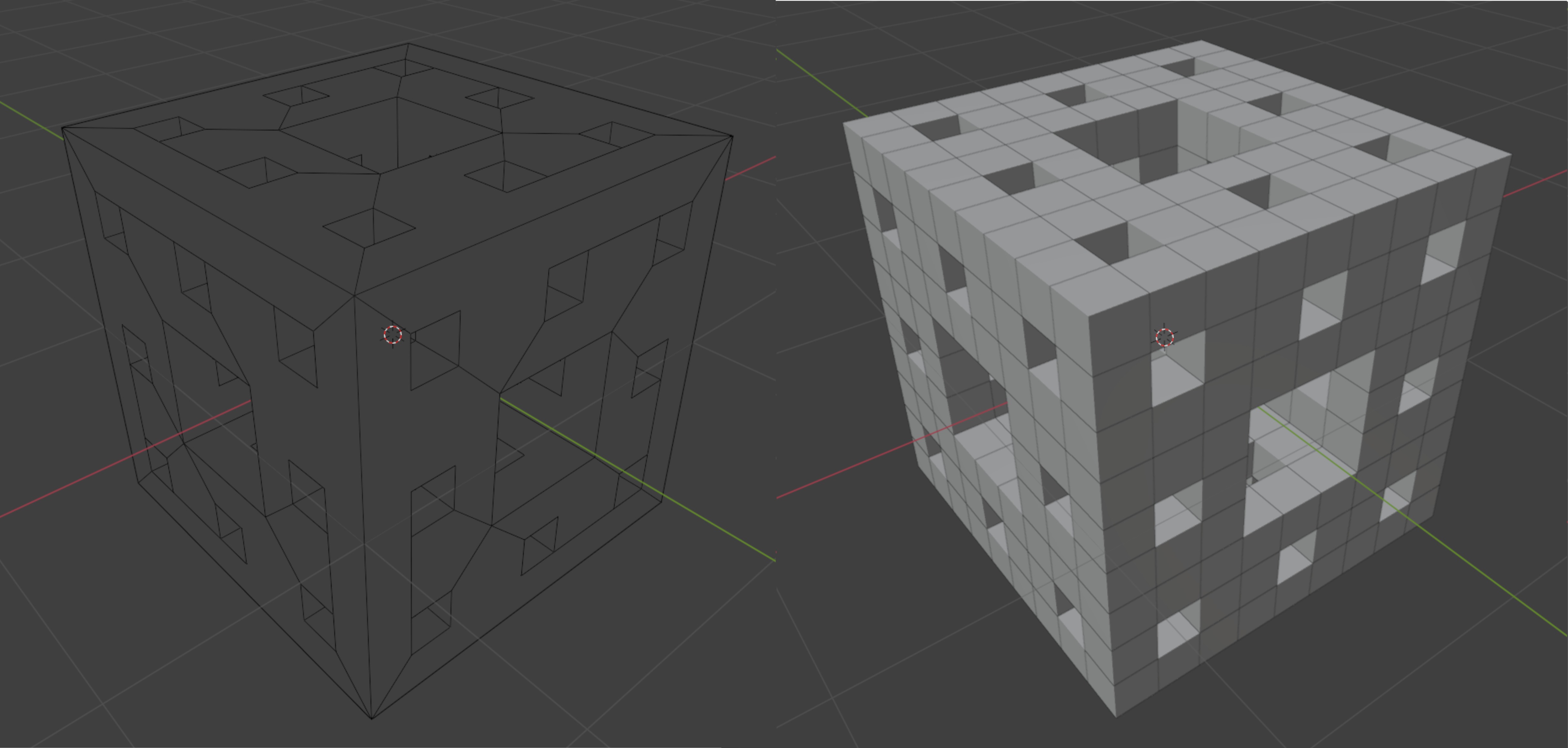
The menger sponge fractal looks the same as the boolen operation version - but it's made up of lots of small cubes instead of a single mesh.
This version is a lot faster - and lets you do a lot more with your menger fractal.
<?php
import bpy
from mathutils import Vector

# === CONFIG ===
MAX_DEPTH = 2
SIZE = 2.0

# === CLEAN SCENE ===
bpy.ops.object.select_all(action='SELECT')
bpy.ops.object.delete()

# === MAKE BASE MESH ONCE ===
mesh = bpy.data.meshes.new("CubeMesh")
bm = bpy.data.objects.new("BaseCube", mesh)
bpy.context.collection.objects.link(bm)
bpy.ops.object.select_all(action='DESELECT')
bm.select_set(True)
bpy.context.view_layer.objects.active = bm
bpy.ops.object.delete()  # remove for instancing use only

bpy.ops.mesh.primitive_cube_add(size=1)
base_cube = bpy.context.active_object
mesh_data = base_cube.data.copy()
bpy.data.objects.remove(base_cube)

# === FUNCTION TO CHECK REMOVAL ===
def is_filled(x, y, z):
    checks = [x == 1, y == 1, z == 1]
    return checks.count(True) < 2

def add_cube(location, size):
    obj = bpy.data.objects.new("Cube", mesh_data)
    obj.location = location
    obj.scale = (size / 1,) * 3
    bpy.context.collection.objects.link(obj)

# === BUILD SPONGE ===
def menger(location, size, depth):
    step = size / 3
    for x in range(3):
        for y in range(3):
            for z in range(3):
                if not is_filled(x, y, z):
                    continue
                offset = Vector(((x - 1) * step, (y - 1) * step, (z - 1) * step))
                pos = location + offset
                if depth > 1:
                    menger(pos, step, depth - 1)
                else:
                    add_cube(pos, step)

menger(Vector((0, 0, 0)), SIZE, MAX_DEPTH)

# === ADD LIGHT ===
bpy.ops.object.light_add(type='SUN', location=(10, -10, 10))
bpy.context.active_object.data.energy = 3

# === ADD CAMERA ===
bpy.ops.object.camera_add(location=(6, -6, 4), rotation=(1.2, 0, 0.8))
bpy.context.scene.camera = bpy.context.active_object
View the boolean version and the mesh version side by side - you'll notice the boolean version is a single mesh while the other version is lots of little cubes.
Visitor:
Copyright (c) 2002-2026 xbdev.net - All rights reserved.
Designated articles, tutorials and software are the property of their respective owners.