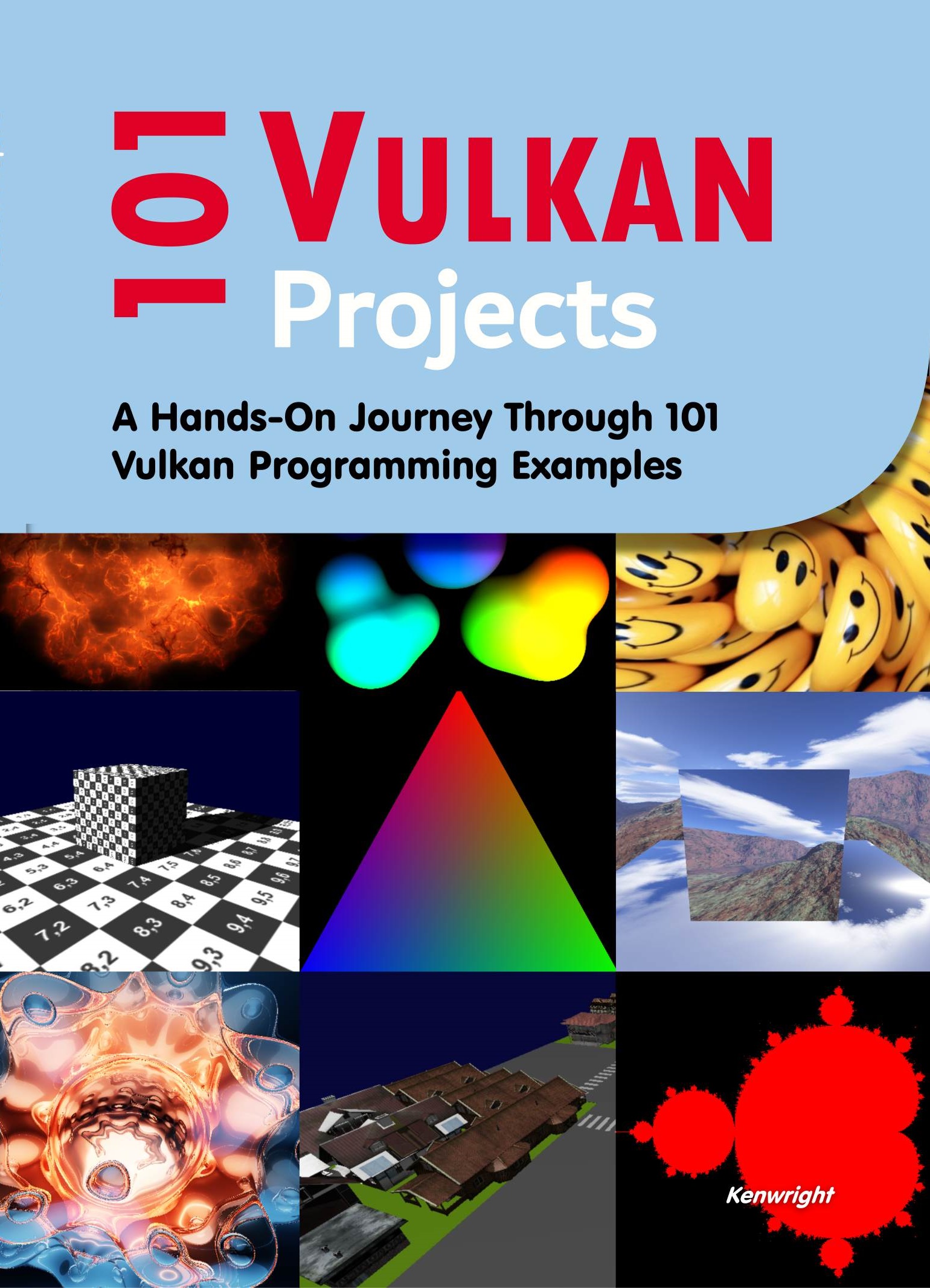
101 Vulkan Projects is both a learning resource and a reference text that provides lots of hands-on examples to teach and inspire you! If you're looking to get started - or want to try out something new - this text is definetly for you!
• Make Vulkan and GLSL Fun and Interesting
• Working with the API and shader language directly
• Large range of hands-on examples (with code) from very basic through to more complex/advanced concepts
• 101 project examples (yes, 101!!)
• Great resource for building up your portfolio
• Quick reference text (how-to) for times when you've forgotten or need to know how to do something (e.g., load audio or create a compute shader)
• ..
List 101 Projects
Basic Vulkan Setup
1 Set Up Vulkan Instance: Create and manage a Vulkan instance
2 Enumerate Physical Devices: List available GPUs on your system
3 Enable Validation Layers: Debug Vulkan code with validation layers
4 Create Logical Device and Queues: Create logical devices and retrieve
queue handles
5 Present a Blank Swapchain Image: Present an empty window via Vulkan
6 Set Up a Vulkan Pipeline: Understand and implement the Vulkan
graphics pipeline
7 Clear the Screen with a Color: Implement screen-clearing using Vulkan commands
8 Draw a Single Triangle (Solid Color): Render a triangle with a single color
9 Render a Quad: Create and render a basic quad using two triangles
10 Add a Depth Buffer: Integrate depth buffering for 3D scenes
Intermediate Vulkan Rendering
11 Use Descriptor Sets: Implement descriptor sets for texture binding
12 Draw a Textured Triangle: Add a basic texture to your triangle
13 Animate Triangle Movement: Add dynamic transformation (e.g., rotate, scale)
14 Add Push Constants: Use Push Constants for Effcient Data Passing to Shaders
15 Create a Uniform Buffer: Pass data (e.g., transformations) to the shader
16 Use Descriptor Sets for Multiple Objects: Manage Data for Multiple Objects
17 Render Multiple Objects: Draw multiple triangles or quads in a single pass
18 Add Staging Buffers: Optimize data transfer between CPU and GPU
19 Generate a Procedural Gradient: Render a triangle with a procedurally
generated gradient
20 Add Anti-Aliasing: Use multisample anti-aliasing (MSAA)
Advanced Rendering Techniques
21 Render to a Texture: Create an off-screen framebuffer
22 Implement a Frame Graph: Manage frame dependencies
23 Deferred Rendering: Render multiple passes for better lighting quality
24 Add Multiple Light Sources: Implement dynamic lighting in the scene
25 Physically Based Rendering (PBR): Start with simple PBR shaders
26 Implement Shadow Mapping: Add basic shadow rendering
27 Omnidirectional Shadows: Implement cube map shadows for point lights
28 Create a Skybox: Render a cubemap as the background
29 Add Post-Processing Effects: Add effects like bloom or vignette
30 Create a Particle System: Simulate particles using a vertex shader
Compute Shader Projects
31 Hello, Compute Shader: Write your first compute shader
32 Compute a Mandelbrot Set: Render fractals using compute shaders
33 Add Image Blur Effect: Apply a Gaussian blur using compute shaders
34 Simulate Physics: Implement a simple physics engine with compute shaders
35 Game of Life Simulation: Use compute shaders for cellular automata
36 Generate Perlin Noise: Use compute shaders to create noise textures
37 Sort Data with Compute Shaders: Implement a parallel sorting algorithm
38 Create a GPU Particle System: Simulate particles entirely on the GPU
39 Simulate Fluid Dynamics: Implement 2D fluid simulation
40 Generate a Procedural Heightmap: Create terrains with compute shaders
Optimization Projects
41 Use Pipeline Caching: Reduce pipeline creation overhead
42 Add Command Buffer Reuse: Reuse recorded command buffers for effciency
43 Implement Instanced Rendering: Draw multiple objects with fewer
draw calls
44 Optimize Descriptor Updates: Batch descriptor set updates
45 Use Dynamic Buffers: Optimize buffer memory usage
46 Asynchronous Compute and Graphics: Use separate queues for compute and graphics
47 Measure Performance with Queries: Add timestamp queries to measure
GPU time
48 Use Vulkan Subpasses: Optimize render passes with subpasses
49 Implement a Frame Limiter: Limit the FPS for consistency
50 Use Device Extensions: Enable advanced GPU features via extensions
Advanced Vulkan Features
51 Ray Tracing Basics: Render a simple scene with ray tracing
52 Add BVH Acceleration Structures: Create bounding volume hierarchies
53 Render Reflections: Add ray-traced reflections
54 Render Refractions: Implement glass-like materials
55 Path Tracing Basics: Render a simple path-traced scene
56 Simulate Global Illumination: Add realistic lighting effects
57 Implement Vulkan Video Decode: Use Vulkan for video decoding
58 Render HDR Content: Render high-dynamic-range content
59 Add Vulkan Mesh Shaders: Experiment with next-gen mesh shaders
60 Add Tiled Rendering: Use tile-based techniques for mobile GPUs
Cross-Platform Development
61 Add GLFW for Windowing: Use GLFW for cross-platform Vulkan windows
62 Add SDL2 for Windowing: Integrate SDL2 with Vulkan
63 Cross-Compile for Android: Build a Vulkan app for Android
64 Test on macOS (MoltenVK): Run Vulkan apps on macOS using MoltenVK
65 Cross-Compile for Raspberry Pi: Use Vulkan on a Raspberry Pi
66 Test on Linux: Set up a Vulkan development environment for Linux
67 Use Vulkan in Unity: Integrate Vulkan into Unity projects
68 Integrate Vulkan with Unreal Engine: Use Vulkan in Unreal Engine
Fun and Interactive Projects
69 Create a Vulkan Game Engine: Start with a simple engine core
70 Build a Vulkan Game (e.g., Pong): Create a basic 2D game
71 Render a 3D Model: Load and render 3D models (e.g., OBJ or GLTF)
72 Add Skeletal Animation: Render animated 3D characters
73 Simulate a Water Surface: Use compute shaders for water ripples
74 Render a Procedural Planet: Generate planets using Vulkan
75 Add an Interactive GUI: Use a library like Dear ImGui
76 Simulate Fireworks: Create a dynamic fireworks display
77 Render a Terrain from Heightmaps: Load heightmap data for terrain rendering
78 Add VR Support: Use Vulkan for VR rendering
79 Build an Interactive Solar System: Simulate planetary orbits
80 Create a Vulkan Screensaver: Use Vulkan for a graphical screensaver
Tools and Integration Projects
81 Integrate with OpenCV: Process Vulkan-rendered images with OpenCV
82 Export Frames to Images: Save Vulkan-rendered frames as PNG files
83 Integrate Vulkan with TensorFlow: Use Vulkan for ML model inference
84 Build a Vulkan Render Doc Clone: Debug Vulkan calls visually
85 Add Vulkan Support to Blender: Create a plugin for Vulkan rendering
86 Integrate Vulkan with Qt: Build Vulkan-based GUI applications with Qt
87 Create Vulkan Debugging Tools: Write tools for visualizing Vulkan resources
Miscellaneous Projects
88 Render a Wireframe Model: Add wireframe rendering
89 Add Tessellation Shaders: Implement tessellation for smoother models
90 Render Text with Vulkan: Use a font library for text rendering
91 Add Compute-Based Occlusion Culling: Optimize scene rendering
92 Render Procedural Clouds: Create dynamic, realistic clouds
93 Create a Vulkan Benchmark Tool: Measure Vulkan performance on hardware
94 Render a Vulkan-Based UI Library: Develop a custom UI library
95 Create a Vulkan Music Visualizer: Sync graphics with music
96 Simulate Explosions: Render dynamic explosion effects
97 Add Vulkan Networking: Sync data across networks for multiplayer apps
98 Render Vulkan-Based Fur Simulation: Create realistic furry objects
99 Integrate Vulkan with WebAssembly: Run Vulkan in a web browser (experimental)
100 Simulate Cloth Physics: Use compute shaders for cloth simulation
101 Build a Vulkan-Based Ray Tracing Engine: Fully utilize Vulkan’s ray
tracing features